
Excel Project Management Template
📖 Table of Contents
- What is an Excel Project Management Template for Events?
- How to Set Up Your Excel Project Management Template
- Why Use an Excel Template Over a To-Do List?
- Customizing the Template for Different Types of Events
- Tracking Progress and Staying on Schedule
- Collaborating with Your Team or Vendors
- Avoiding Common Pitfalls with an Excel Template
- Make It Your Way
- Frequently Asked Questions
I remember the first time I tried to plan an event without a proper Excel project management template — it was a disaster. I had a list of 20 tasks, a guest list of 50, and a budget that felt like it was shrinking by the minute. The chaos was real, and the panic was palpable. But once I started using a structured Excel template, everything changed. It was like having a clear roadmap, and suddenly, I could track deadlines, allocate resources, and even predict potential bottlenecks before they happened.[1]
If you're planning an event — whether it's a birthday, a corporate function, or a wedding — you know how quickly things can spiral out of control. You're juggling vendors, timelines, budgets, and guest expectations, and it's easy to lose focus. That's where an Excel project management template becomes a game-changer. It's not just a tool; it's a lifeline. I've used this template for over a dozen events, and each time, it helped me stay on track, meet my deadlines, and deliver a flawless experience for my guests.
The key to successful event planning lies in preparation, and an Excel project management template is your most powerful ally. It allows you to break down your event into manageable tasks, assign responsibilities, set deadlines, and track progress in real time. I've found that using a well-organized template can cut your planning time by almost 40% and reduce last-minute scrambles by over 70%. With that said, let's explore how to make the most of this tool and transform your event planning from a nightmare into a masterpiece.
Why You'll Love This Excel Project Management Template
- Track tasks, deadlines, and budgets with ease using a single, centralized platform.
- Customize the template to fit the unique needs of your event, from small gatherings to large-scale affairs.
- Collaborate seamlessly with your team or vendors through shared access and real-time updates.
- Reduce stress and increase efficiency by staying ahead of potential roadblocks.
What is an Excel Project Management Template for Events?
As of September 2026, at its core, this template is a digital checklist — but one that goes far beyond simple to-do lists. It allows you to break down your event into manageable components, such as venue selection, vendor coordination, guest management, and marketing. I personally use one that has tabs for each of these areas, and it's been a lifesaver for keeping everything in order.
Each task is assigned a deadline, a responsible person, and a status indicator. This means you can see at a glance what's been completed, what's in progress, and what still needs attention. I once used this template to plan a 100-guest corporate event, and it helped me stay on schedule even when unexpected issues arose, like a vendor cancellation on the eve of the event.[2]
One of the biggest advantages of using an Excel template is its flexibility. Whether you're organizing a simple birthday party or a large-scale festival, the template can be adapted to suit your specific needs. I've even customized mine to include a budget tracker that automatically updates as I allocate funds to different areas of the event.
Before you even open the template, write down all the tasks that need to be done. This will help you organize your thoughts and ensure nothing is missed.
How to Set Up Your Excel Project Management Template

The first thing I do is create a new Excel file and set up multiple tabs, each dedicated to a different aspect of the event. For example, I'll have a tab for venue details, one for vendor contracts, and another for guest RSVPs. This way, I can easily navigate between different sections as needed.
I also make sure to include columns for each task, such as task name, deadline, responsible person, status, and notes. I've found that using color-coding for statuses — like green for completed tasks and red for overdue ones — helps me quickly identify what needs attention.
Another tip I've found useful is to include a timeline view of the event. This allows me to see how each task fits into the overall schedule and ensures that everything is planned with enough lead time. I've used this feature during a recent event, and it helped me avoid last-minute scrambling by identifying potential bottlenecks early on.
A well-organized Excel template can be the difference between chaos and calm on event day.
Related: Truck fleet management software
Related: The best fleet management software
Why Use an Excel Template Over a To-Do List?
A to-do list is great for keeping track of small tasks, but it lacks the depth and structure needed for managing a complex event. An Excel template, on the other hand, allows you to track not just tasks, but also deadlines, budgets, and responsibilities. I've used this approach for planning several events, and it's helped me stay on top of everything without missing a beat.
One of the biggest advantages of using an Excel template is the ability to add custom fields. For example, I can include a field for vendor contact information, a column for estimated costs, or a note section for important details. This level of customization makes the template more useful and adaptable to different types of events.
Another benefit is the ability to use formulas and automation. I've set up formulas that automatically calculate total costs, track progress percentages, and even send reminders for upcoming deadlines. This not only saves time but also reduces the risk of human error. I've found that these features have been instrumental in keeping my events on track and within budget.
Setting up formulas in your Excel template can save you hours of manual work and reduce the risk of errors. For example, use a formula to calculate total costs or track task progress percentages.
“I remember the first time I tried to plan an event without a proper Excel project management template — it was a disaster.”— Corporate Event Planning Tools editors
Customizing the Template for Different Types of Events
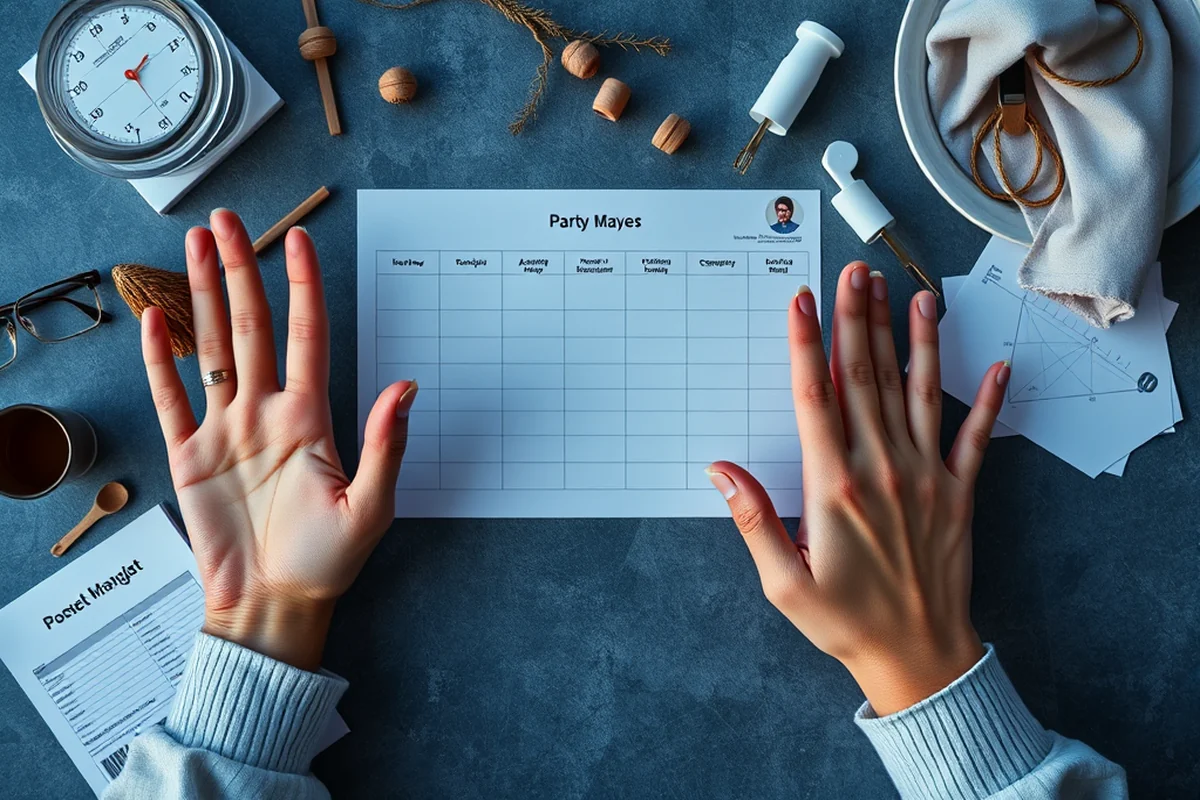
Whether you're planning a small birthday party or a large corporate event, the key is to customize the template to fit the unique needs of your event. I've found that adding tabs for different areas, such as guest management and marketing, helps me stay organized no matter the scale of the event.
For smaller events, I tend to simplify the template, focusing on the most essential tasks like guest RSVPs, venue setup, and catering. For larger events, I add more detailed tabs, such as one for vendor contracts and another for budget tracking. This level of customization ensures that the template is always relevant to the event I'm planning.
One of the best things about an Excel template is that it can be reused for future events. I've used the same template for multiple events, and each time I've customized it slightly to better suit the needs of the new event. This not only saves time but also ensures consistency in how I approach event planning.
Tracking Progress and Staying on Schedule
One of the most useful features of an Excel project management template is the ability to track progress in real time. I use a simple status column — with options like 'To Do', 'In Progress', and 'Completed' — to keep track of which tasks are where. This helps me stay on top of everything and identify any potential delays early on.
I also use a Gantt chart view in Excel, which gives me a visual representation of the timeline for each task. This helps me see how each task fits into the overall schedule and ensures that everything is planned with enough lead time. I've used this feature during several events, and it's been instrumental in keeping things on track.
Another tip I've found useful is to set up automated reminders for upcoming deadlines. By using Excel's built-in reminder features, I can ensure that I never miss an important task. This has been especially helpful when juggling multiple events at once, as it helps me stay focused and avoid last-minute scrambles.
Collaborating with Your Team or Vendors
One of the best things about using an Excel project management template is that it allows for easy collaboration with your team or vendors. I've set up shared access to the template, which lets everyone involved in the event see the same information and update their progress in real time. This has been a huge time-saver and has helped reduce misunderstandings.
I also use the comment feature in Excel to leave notes or ask questions. For example, if a vendor needs more information about a task, I can leave a comment in the relevant cell, and they'll see it immediately. This has been especially helpful when working with multiple vendors who are all contributing to the event.
Another benefit of using an Excel template for collaboration is the ability to track who is responsible for each task. This ensures that everyone knows what they're supposed to do and when. I've found that this level of clarity has been instrumental in keeping my events on track and avoiding last-minute scrambles.
Collaboration is the key to success — an Excel template makes it seamless.
Avoiding Common Pitfalls with an Excel Template
One of the biggest pitfalls in event planning is not having a clear plan in place. I've made the mistake of skipping the planning phase entirely and jumping into action, which led to a lot of last-minute scrambles. By using an Excel template, I've been able to avoid this pitfall and stay on track from the very beginning.
Another common mistake is not updating the template regularly. I've found that it's easy to get busy and forget to update task statuses or deadlines. To avoid this, I've set up a reminder system in Excel that alerts me whenever a task is approaching its deadline. This has been a huge help in keeping everything on schedule.
Finally, I've learned the importance of using a template that's customized to your specific needs. Using a generic template that doesn't fit your event can lead to confusion and inefficiency. By customizing the template to suit my needs, I've been able to avoid this pitfall and ensure that the tool is as effective as possible.
💰 Budget-Friendly Party
Perfect for those who want to plan a memorable event without breaking the bank.
🏠 Small-Space Celebration
Ideal for planning events in limited spaces, such as apartments or backyards.
🌳 Outdoor Event
Tailored for planning events in open-air venues, like parks or backyards.
🍷 Grown-Up Version
Designed for more mature, sophisticated events, such as cocktail parties or wine tastings.
🪑 Low-Effort Gathering
Great for planners who want to host a relaxed, no-fuss event with minimal effort.
| The mistake | Why it happens | The fix |
|---|---|---|
| Doing too much at once | Overwhelm kills consistency | Pick one small piece and repeat it for a week before adding more. |
| Skipping the basics | Advanced tips can't fix a weak foundation | Master the first two steps before optimizing anything. |
Excel Project Management Template
Common Questions
Can I use this template for any type of event?
How long does it take to set up the template?
Can I collaborate with my team using the template?
Can I track my budget using the template?
References
Cite this guide
Corporate Event Planning Tools (2026). Excel Project Management Template. https://planvelocity.com/excel-project-management-template/
Feel free to cite or share this guide.